As an installer, it can be difficult to keep track of the time spent on each project or task, particularly when juggling multiple customers in a single day. A time registration tool can be a game-changer, helping you accurately log your hours. The Dutch market offers a range of time registration tools, each with its own set of features and pricing.
With so many options, finding the right one that fits your company’s needs and budget can be overwhelming. To make your decision easier, we’ve researched the top four time registration tools available in The Netherlands, allowing you to compare your options and choose the best time registration tool for your business.
Start now and find the ideal time registration tool for your needs!
Keeping
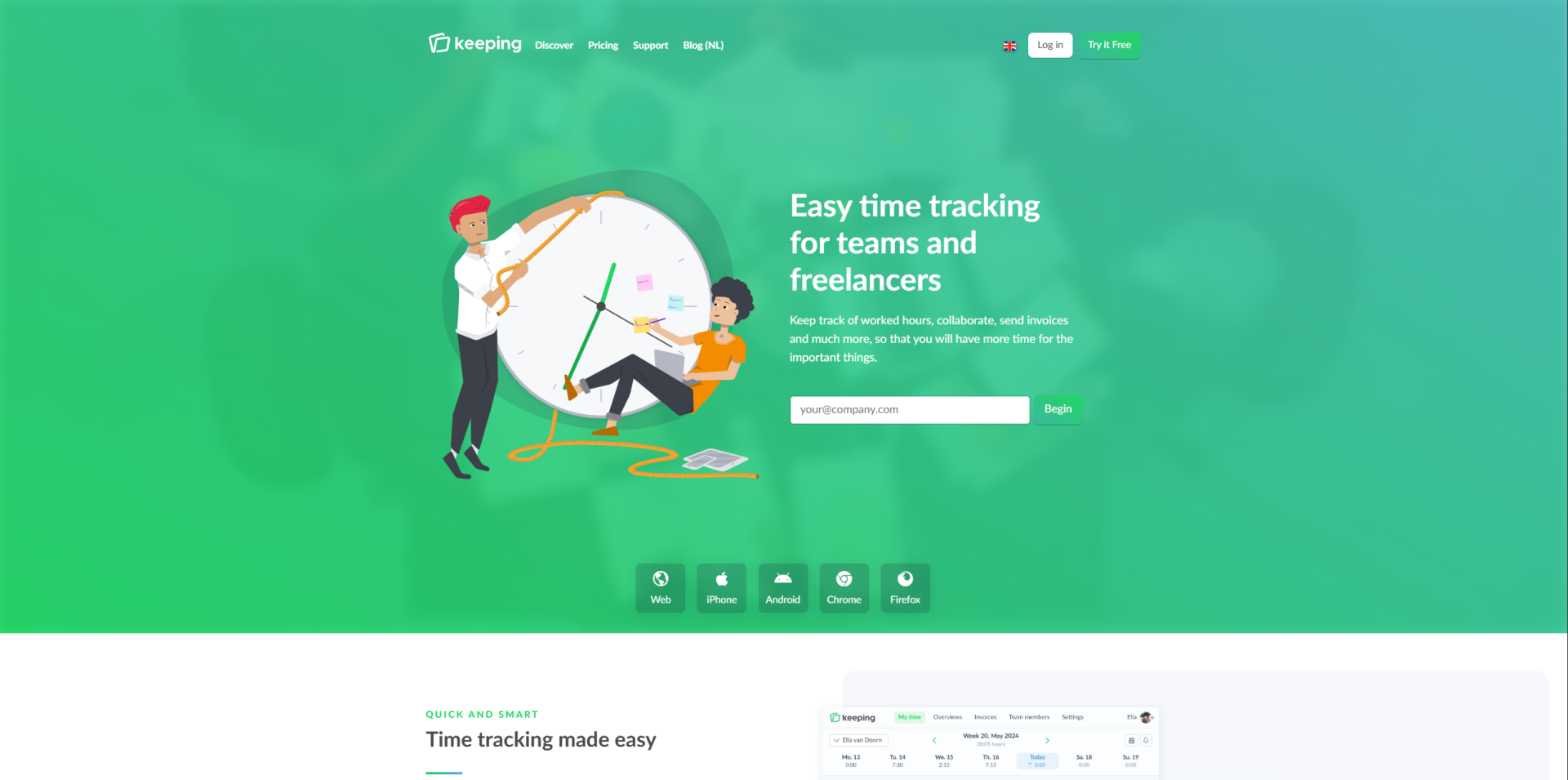
Keeping offers simple and intuitive time registration tool with features to simplify your hour registration for freelancers, teams and organizations.
Keeping's features
Keeping provides simple, intuitive tools for tracking work hours and generating reports, so you can spend less time on admin and more time on what matters. Read on to explore the features in more detail.
Smart reporting
The reports give you a clear view of the total hours spent on a project, along with a detailed breakdown of how time is allocated across different tasks and team members. Which also allows you to easily detect bottlenecks, to understand where you need to improve. You have the flexibility to select which tasks, projects, or team members to include in the report. Plus, you have control over who can access the reports within the company, and export them to PDF, Excel, or CSV formats for easy sharing
Hour registrations
Keeping gives you the flexibility to track your time on a per-minute or per-day basis, tailored to your preferences and working style. The registered hours can be easily viewed through dashboards. The software allows you to even link budgets to projects, helping you to stay within budget.
You can also manage request days within the system, and employees can track and submit their hours, which can then be converted for salary administration. Additionally, Keeping offers both light and dark modes, so you can work in the environment that suits you best.
Chrome extensions
The Chrome extension allows you to view your projects and tasks, enabling comprehensive time management. This extension is something I found very helpful since there is no need to visit the website to track your work, as it provides easy access directly from any webpage.
Mobile access
The tracking mobile app, allows you to track time from wherever you are and the gathered information will be automatically synchronized with the web-version.
Keeping PLUS features
Keeping offers several features that are only available with the Plus package. One key feature is designed to support accurate billing. On the platform, you can easily select which hours you want to bill. Once you’re satisfied with your selection, the hours are sent directly to your preferred accounting software to generate an invoice.
Keeping currently integrates with popular accounting tools such as:
- e-Boekhouden.nl
- Exact Online
- Jortt
- Moneybird
- SnelStart
In addition to accounting integrations, Keeping also enables time tracking and project management. With the Plus package, you get access to even more integrations with your favorite productivity apps, allowing you to add greater detail and context to your time entries.
These integrations include:
- Asana
- Basecamp
- GitHub
- Jira
- Todoist
- Trello
These features make Keeping a powerful tool for professionals who want to streamline time management and billing in one seamless workflow.
Keeping's pricing
| Free | Plus | Pro | |
|---|---|---|---|
Monthly paid | €0 | €7,50 | €10 |
Annually paid | €0 | €6 | €8 |
Note: these are the prices from 2025. On their website they mention a change of prices starting from January 1, 2026. Click here to see the information.
Flair
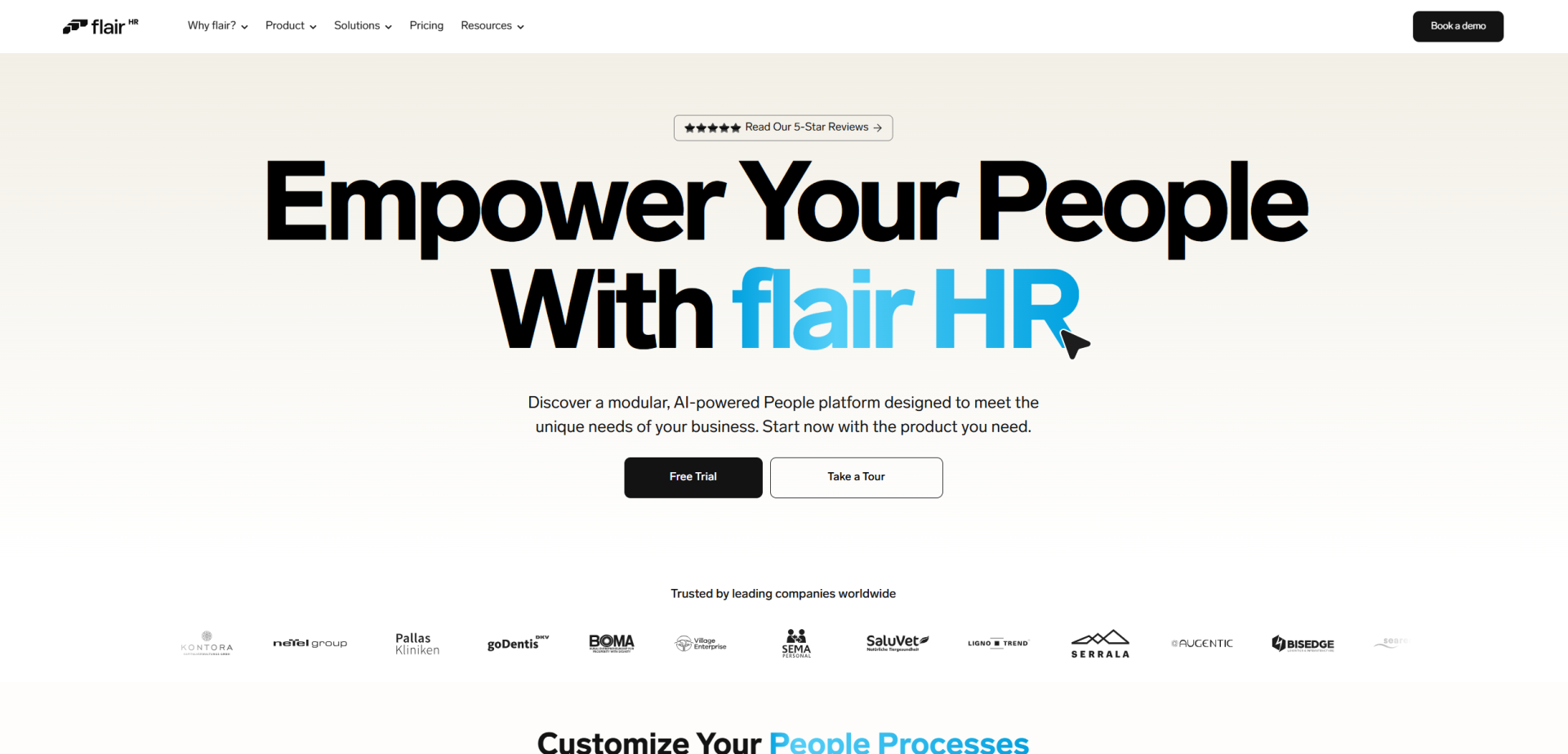
Flair, who is part of Salesforce, offers a highly customizable platform for hiring, retaining, managing, and developing talent. Designed to adapt to different organizational needs, the solution supports the entire employee lifecycle while enabling seamless integrations with a wide range of tools, helping teams build efficient, connected HR workflows.
Flair features
Since the blog is focused on time registration tools, the focus lies on the HR admin segments of Flair, since it contains features regarding time tracking and absences. Don’t wait and read further to learn more about the offered features!
Time tracking
Flair allows you to easily log hours via browser, desktop app, mobile app or the classic key fob. There is also a project-based time tracker, so you can categorize the working hours, which I believe is helpful for installers to have to maintain an overview. As a manager you can easily approve or edit manually added time entries.
All your valuable time data is easily accessible through reports or the dashboard, giving you a clear overview of your time management and allowing for timely adjustments. Additionally, Flair helps ensure accurate compensation and absence accruals through its integrated system, streamlining payroll and leave tracking in one unified workflow.
Another standout feature in Flair is its built-in compliance with employment law functionality. This tool allows you to set rules and limits on breaks and overtime that align with both your internal company policies and local labor regulations, helping you stay compliant while keeping scheduling fair and transparent.
Absences
Flair helps increase workplace transparency by allowing you to quickly see who is working remotely, who is absent, and who is out of the office, all in a clear calendar view. Just like the employment law compliance feature mentioned earlier, this aspect of Flair is designed to simplify HR processes while ensuring legal alignment. You can easily configure accrual and leave policies to match local labor laws and company rules.
When time-off requests come in, you can quickly review and approve them, with the system automatically checking each employee’s remaining vacation allowance. The absence calendar gives you an efficient overview of team availability and provides detailed reports to help you identify and understand absence trends.
Flair pricing
Flair does not provide any information regarding the pricing of its products on the website.
Tracking Time
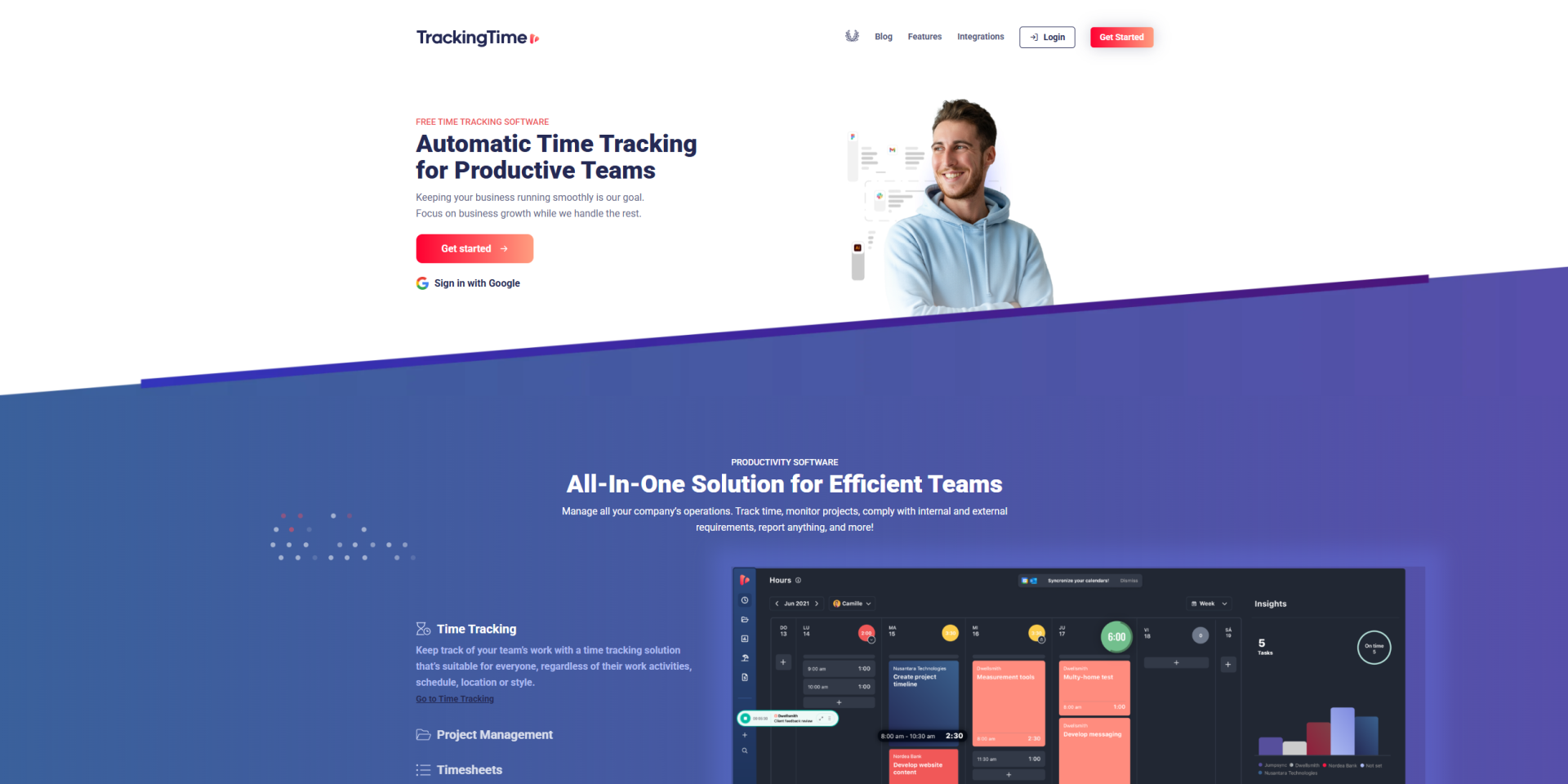
Tracking Time is a time registration tool that wants to provide a solution to boost team performance. It provides real time visibility without compromising employee privacy with the goal to ensure accurate insights while fostering trust and productivity.
Tracking Time features
Tracking Time provides a variety of tools to help streamline your company operations. The products allow you to track time, analyze processes and products, generate reports, and more. Want to discover all the time registration tool features? Read on to find out!
Time tracker
The time tracker helps you to efficiently monitor your team’s activities. With automated tracking, it records all computer usage, simplifying the process of reporting work hours. The time blocking feature lets you divide your day into specific segments, making it easier to identify completed tasks and track time, which I believe is very helpful to receive an overview of the registered time.
The mobile app allows you to track hours on the go, while the desktop app offers quick access to tasks and projects through a dashboard for an at-a-glance overview. Aside from that, Tracking Time also allows you to integrate with your favorite tools to keep everything in sync and automated in one place.
Timesheets
The tracking and compliance features are very helpful since it will ensure that every timesheet meets company rules and standards. You can even customize the timesheet so that it meets your specific workflow needs.
The feature will automatically verify data for accuracy and completeness, so there is no need to double check it. The automated submission process will send reminders and schedule submissions, freeing your team to focus on their core tasks.
Furthermore, timesheet analysis at each step will offer valuable insights to improve team performance. The reports can be easily shared to create transparency, but also to understand where and why the improvements are needed.
Employee time cards
The time cards allow you to track employees’ clock-in and clock-out times, automatically generated based on their individual work schedules from mobile devices, Slack, or Microsoft Teams. Making it easy to track attendance and will eliminate errors when having to do it manually again.
Your employees can also submit their time cards for approval, and with batch approval you can approve multiple ones at one time creating a streamlined process.
The system also integrates time-off requests and overtime hours, ensuring the time cards accurately reflect total work hours, without the need to do it manually. Time Tracking even allows you to export the time cards in PDF, CSV or XLS, so you can easily share it with HR, accounting or other relevant parties. Ensuring that your time cards are always available for audits or payroll processing.
Time and attendance
The attendance tracking system makes it simple to monitor employee attendance and manage time-off requests, while having a real-time visibility of who is present, late or absent. You’ll receive instant notifications when a request is submitted, allowing for quick approval. All attendance data can be converted into reports, which you can easily share with HR, accounting, or other relevant parties.
Leave management
This feature enables smart and efficient time-off management. Employees can submit PTO requests in just minutes, with approvals automatically synced to team calendars. You can easily track accruals, remaining days, and leave history all with up-to-date, formula-free accuracy. Additionally, you can apply custom leave rules and approval flows to ensure consistency and maintain audit-ready records at all times.
Time reporting
Easily generate and share the reports you need such as client, payroll, and project reports to gain valuable insights into your processes. This will help you assess performance and pinpoint areas for improvement. You can effortlessly create, customize, rearrange, and save your reports. What I found very helpful was after designing a custom layout you could simply save it to your settings for future use.
Time Tracking pricing
| Free | Starter | Pro | Business | |
|---|---|---|---|---|
Monthly paid | $0 | $5 | $7 | $12 |
Annually paid | $0 | $3,75 | $5,75 | $10 |
Interested in learning more about each package and its features? Click Here for more information!
OpusFlow
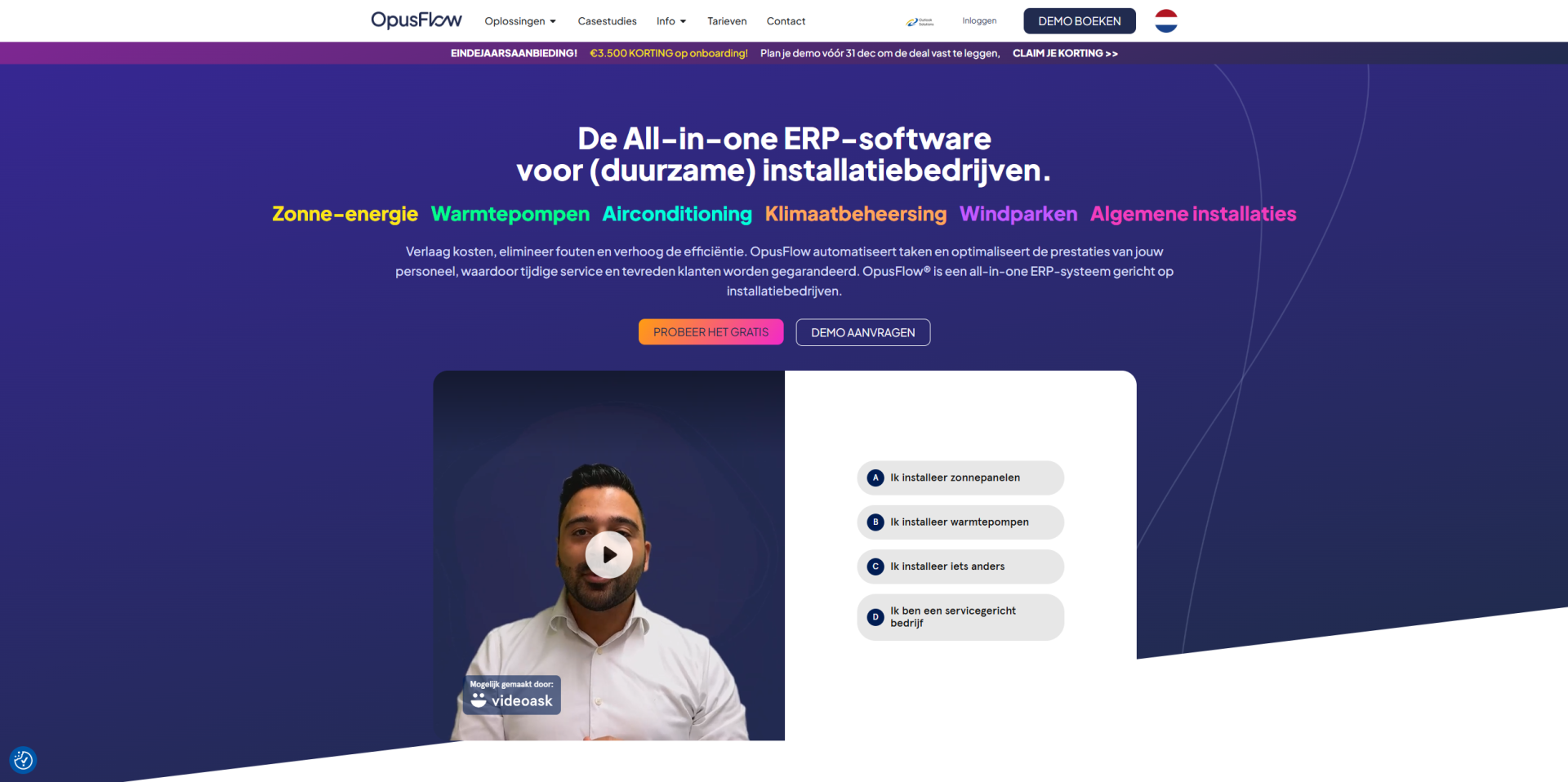
OpusFlow is an all-inclusive ERP software solution crafted to optimize every facet of your business operations, including project management, HR, purchasing, inventory, and even solar design & proposals. Additionally, it offers tools to help you manage time tracking efficiently. Continue reading to dive deeper into its features!
OpusFlow features
OpusFlow offers an all-in-one ERP software tailored for sustainable installation companies, featuring thirteen modules. The time registration tool is part of the planning module, where the time registration tool is there to help streamline your processes. Keep reading to learn how OpusFlow can optimize your time management.
Read also: The Installer’s guide to outgrowing chaos: Why ERP is your next power tool
Hour registration
The OpusFlow planning module offers various features to help track your team’s time effectively. It begins with the hour registration tool, where you can select the specific type of service or task you’re working on before starting to track time. This feature is particularly useful as it automatically categorizes all registered hours.
Hour registration overview
In the hour registration overview, you can view each employee’s start and end times, breaks, and the associated project. Another useful aspect is the ability to filter the time entries to focus on specific information. You can even save filter combinations as templates, making it easy to apply them again later without having to reselect each filter manually.
Strip planning
The strip planning feature enables you to break large projects into smaller, more manageable tasks, promoting better organization and ensuring timely project completion. A standout benefit of this feature is its ability to highlight scheduling gaps, allowing for quick adjustments to optimize the project timeline and make the best use of available hours. Finally, you can easily share time registrations with your team or other departments in CSV or Excel format.
OpusFlow's pricing
| Monthly | Annually | |
|---|---|---|
Price | €99/per month, per user | €120/per month, per user |
Note: The packages include all thirteen modules offered by OpusFlow, so the price covers more than just the time registration tools.
Conclusion
Various time registrations tools can improve your business operations. We’ve explored four options Keeping, Flair, Tracking Time, and OpusFlow to give you an overview of what’s offered in the Dutch market.
Starting with Keeping who offers simple and intuitive features, then Flair who offers various features regarding HR also provides a few features to assist with the time registration. Followed by tracking time, who assists with various tools to optimize and streamline the time registration process. At last, there is OpusFlow who not only helps with time tracking but also identifies gaps, allowing you to make adjustments and ensure that all available hours are utilized effectively.
Choosing the right time registration tool that fits both your needs and budget can be a difficult decision. We hope this blog has offered useful insights into the products and features currently available.
To gain a more thorough understanding of each software, we suggest booking a demo. This will allow you to explore the user interface, experience its features firsthand, and find the solution that best meets your business objectives and requirements.
Learn more: Project management software: A guide to smooth projects