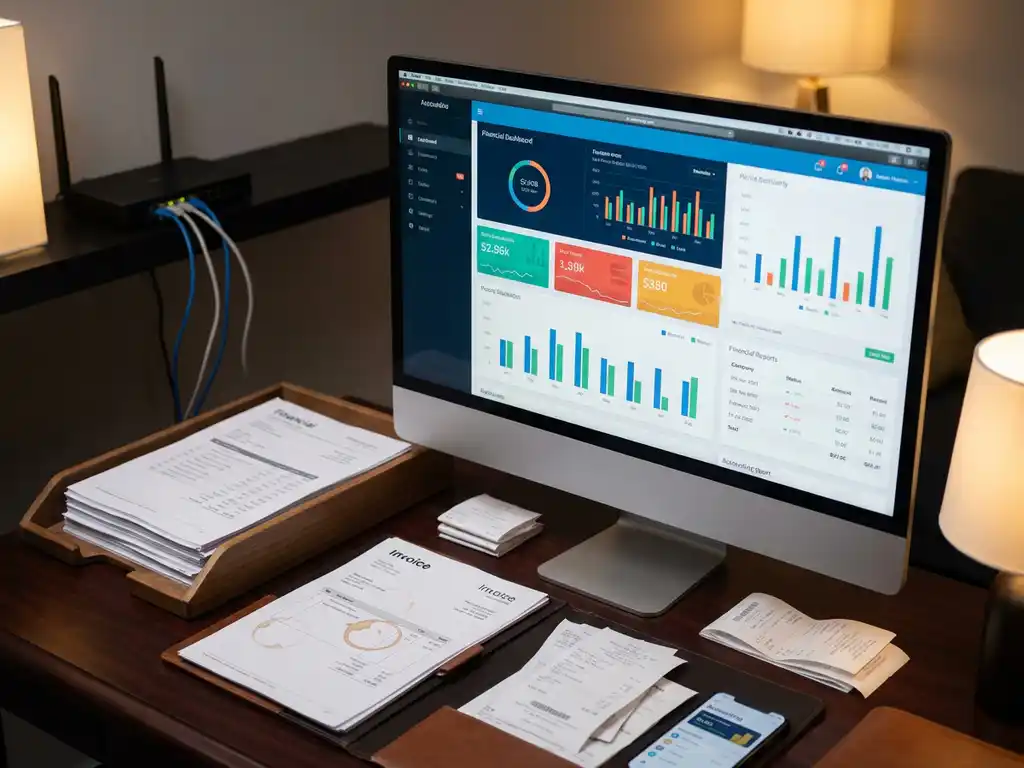
ERP software integration with accounting tools such as DATEV or Xero creates a seamless connection between your operational systems and financial management platforms. This integration enables automated data synchronization, eliminating manual data entry while ensuring your financial records accurately reflect real-time business operations. The connection streamlines workflows from project completion to invoice generation and payment tracking.
What does it mean when ERP software integrates with accounting tools?
ERP-accounting integration establishes a direct data connection between your operational management system and financial software, automatically synchronizing information such as invoices, payments, and project costs. This creates a unified workflow in which financial data flows seamlessly from your ERP system into accounting platforms without manual intervention.
The integration connects your operational processes with financial reporting through automated workflows. When your installation team completes a project in the ERP system, the integration automatically generates corresponding entries in your accounting software, including invoice details, labor costs, and material expenses.
Data synchronization occurs through real-time connections that ensure both systems maintain identical information. Changes made in either system automatically update the other, preventing discrepancies and ensuring your financial records always reflect the current operational status. This bidirectional data flow creates a single source of truth across your business operations.
For sustainable installation companies, this integration becomes particularly valuable when managing multiple projects simultaneously. The system automatically tracks project costs, generates invoices upon completion, and updates financial records without requiring staff to manually transfer information between systems.
How does the technical connection between ERP and accounting software actually work?
The technical connection operates through Application Programming Interfaces (APIs) that enable secure data exchange between your ERP system and accounting software. APIs create standardized communication protocols that allow different software systems to share information automatically and reliably.
Modern ERP systems such as OpusFlow feature open API architecture that facilitates bidirectional data flow to and from accounting platforms. This means information can move seamlessly in both directions: operational data flows from the ERP system to the accounting software, while financial information such as payment confirmations can flow back to update project status.
Data mapping ensures information is translated correctly between systems by matching corresponding fields and formats. For example, customer information from your ERP customer database automatically populates the correct fields in your accounting software’s client records, maintaining consistency across platforms.
Real-time synchronization occurs through scheduled data transfers or instant updates, depending on your integration configuration. Most installations benefit from near-real-time updates that process changes within minutes, ensuring both systems remain current without overwhelming your network or processing capabilities.
The integration typically includes CSV import capabilities and custom export functionality, providing additional flexibility for data migration and backup purposes. This ensures you maintain control over your data while benefiting from automated synchronization.
What are the main benefits of connecting ERP software with accounting platforms like DATEV or Xero?
Integration eliminates manual data entry, reduces errors, and provides real-time financial visibility across your sustainable installation business. You gain immediate access to accurate financial information while your staff focuses on productive activities rather than administrative data transfer tasks.
Automated invoice generation becomes seamless when project completion in your ERP system triggers immediate invoice creation in your accounting software. This reduces billing delays and improves cash flow by ensuring invoices reach customers promptly upon project completion.
Enhanced accuracy results from eliminating human error in data transfer processes. When information flows automatically between systems, you avoid transcription mistakes, duplicate entries, and inconsistent data that commonly occur with manual processes.
Improved compliance capabilities emerge through consistent record-keeping and automated documentation. The integration ensures all financial transactions maintain proper documentation trails while meeting regulatory requirements for sustainable installation businesses operating across different markets.
Real-time financial reporting provides immediate insights into project profitability, cash flow status, and overall business performance. Management gains access to current financial information without waiting for manual report compilation or data exports from multiple systems.
The integration also supports better customer service through faster response times to billing inquiries and immediate access to project financial information. Staff can access relevant details instantly, enabling professional responses to client questions about invoicing, payments, or project costs.
What challenges should you expect when integrating ERP with accounting software?
Data mapping complexities arise when different systems use varying field structures, naming conventions, or data formats. Successful integration requires careful planning to ensure information is translated correctly between your ERP system and accounting software without losing important details or creating confusion.
Initial setup requirements typically involve significant configuration time and technical expertise. The integration process includes establishing secure connections, mapping data fields, testing synchronization processes, and configuring automated workflows to match your business requirements.
Staff training becomes essential as team members adapt to new workflows and automated processes. While integration ultimately simplifies operations, initial learning curves require investment in proper training to ensure staff understand how integrated systems affect their daily responsibilities.
System compatibility issues can emerge when software versions, update schedules, or technical requirements do not align perfectly. Regular maintenance and monitoring ensure integrations continue functioning properly as both systems evolve and receive updates.
Businesses should also prepare for potential temporary disruptions during implementation phases. Planning integration rollouts during slower periods and maintaining backup processes helps minimize operational impact while systems are being connected and tested.
Data security considerations require attention to ensure sensitive financial information remains protected during transfer and storage across integrated systems. Proper security protocols and access controls maintain data integrity throughout the integration.
How do you choose the right ERP-accounting integration approach for your installation business?
Evaluate your business size, transaction volume, and existing software investments to determine the most suitable level of integration complexity. Smaller installation companies may benefit from simpler integrations, while larger operations require comprehensive connections that handle multiple project types and financial workflows simultaneously.
Consider your current accounting software’s capabilities and the integration options available. Popular platforms such as DATEV and Xero offer different integration methods and features that may influence your ERP selection and implementation approach.
Assess your team’s technical expertise and available resources for implementation and ongoing maintenance. Some integrations require minimal technical knowledge, while others benefit from dedicated IT support or external implementation specialists.
Transaction volume analysis helps determine whether you need real-time synchronization or scheduled batch processing. High-volume installation businesses typically require more frequent data updates to maintain accurate financial visibility.
Evaluate the specific needs of sustainable installation operations, including project-based billing, material cost tracking, and compliance requirements. The integration should support your industry’s unique workflows while providing flexibility for business growth and changing requirements.
Consider future scalability requirements as your installation business expands into new markets or service areas. Choose integration solutions that can accommodate growth without requiring complete system replacements or major reconfiguration efforts.
The right integration approach balances functionality, cost, and implementation complexity while supporting your specific operational requirements. Modern ERP systems designed for sustainable installation companies offer comprehensive integration capabilities that grow with your business needs while maintaining the reliability and accuracy essential for financial management.
Related Articles
- What is a self-consumption scenario comparison and why does it matter in a battery quote?
- How does the grid connection type affect which batteries you can install?
- What is the difference between using separate tools and one all-in-one platform?
- What does an AI assistant actually do during an installation project?
- How does ERP software support solar panel installation companies specifically?