

Home / Agents / Integration Agent
AI agent for Automation

Connect any tool that speaks MCP.

The Integration Agent connects OpusFlow to other software and tools through MCP, so an agent can work with your other systems too.
Works inside:
Integration Agent
Connected. What shall I do with it?

What a Integration Agent can do for you

Agents work inside OpusFlow with your data and your permissions. You stay in charge.
1

Connects to any tool with MCP

Links OpusFlow to other software that offers MCP.
2

Works with your other software

For example, match meeting transcripts from Fireflies to the right client automatically.

See it at work

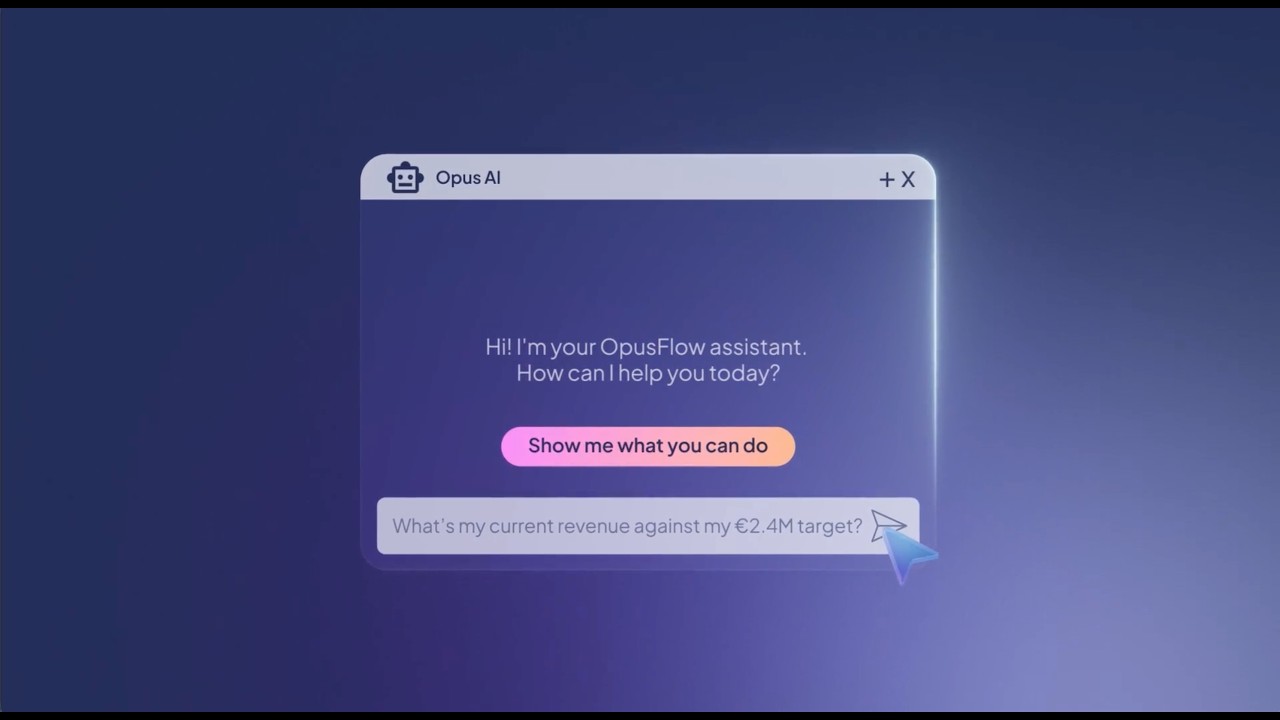
Ask in plain language. The agent does the digging, prepares the work and asks before it changes anything.

How it works

1

Describe the job

Create the agent as an admin and tell it in plain language what it is responsible for.
2

It works in your data

It reads and prepares inside OpusFlow, only with the access you give it. Run it when you ask, or on a schedule: daily, weekly or monthly.
3

You stay in control

Ask for approval on every change, or let the agent run on a schedule once you trust it. Every action is logged.

Agents you can trust with your business

Built into OpusFlow, so the same rules apply as for everything else in your account.

You stay in control

Choose when an agent asks for your go, and when it may act on its own.

Your permissions

An agent can only see what its user may see.

Fully logged

Every action is recorded and traceable.

Your data stays yours

Isolated per account, never mixed.

Every agent is built around your business

Describe the job, set what it may do and let it get to work. Admins create agents under Management, Agents.

Questions about the Integration Agent

Which jobs can an agent do?

Agents work on sales, planning, purchasing, administration and more. Each agent page shows what that agent can do.

Do I need technical knowledge?

No. You describe the job in plain language. The agent builds and runs it inside OpusFlow.

Which data can an agent see?

Only what you give it access to, with the same permissions as a user. Your data stays in your own account.

Does an agent change things on its own?

You decide. Start with approval for every change, and let an agent run on its own on a schedule once you trust it. Every action is logged.

Can I build my own agent?

Yes. Every OpusFlow customer can create agents. An admin describes the job in plain language and chooses what the agent may do.

Schedule your free demo

Get a live customized demo or discovery call focused on what your organization needs, get answers to your specific questions, and find out why OpusFlow is the right choice for your organization


What can I expect?

"By using OpusFlow, we were able to centralise our processes and massively increase efficiency. Our cost-per-quote ratio has certainly decreased by 50% as a result."
Patrick Salmon – Sales Manager, AMPERA Solar- & Energiesysteme
AMPERA

Sign Up

Select all services your company offers